The reason, in plain words
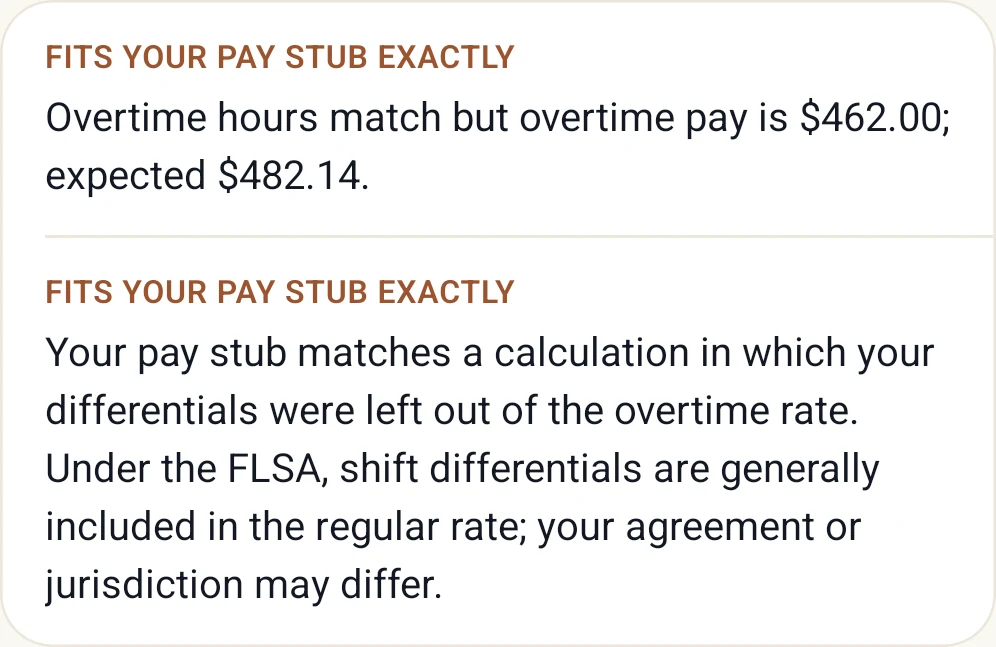
When a line doesn’t match, Truepenny looks for what fits your pay stub and says why.
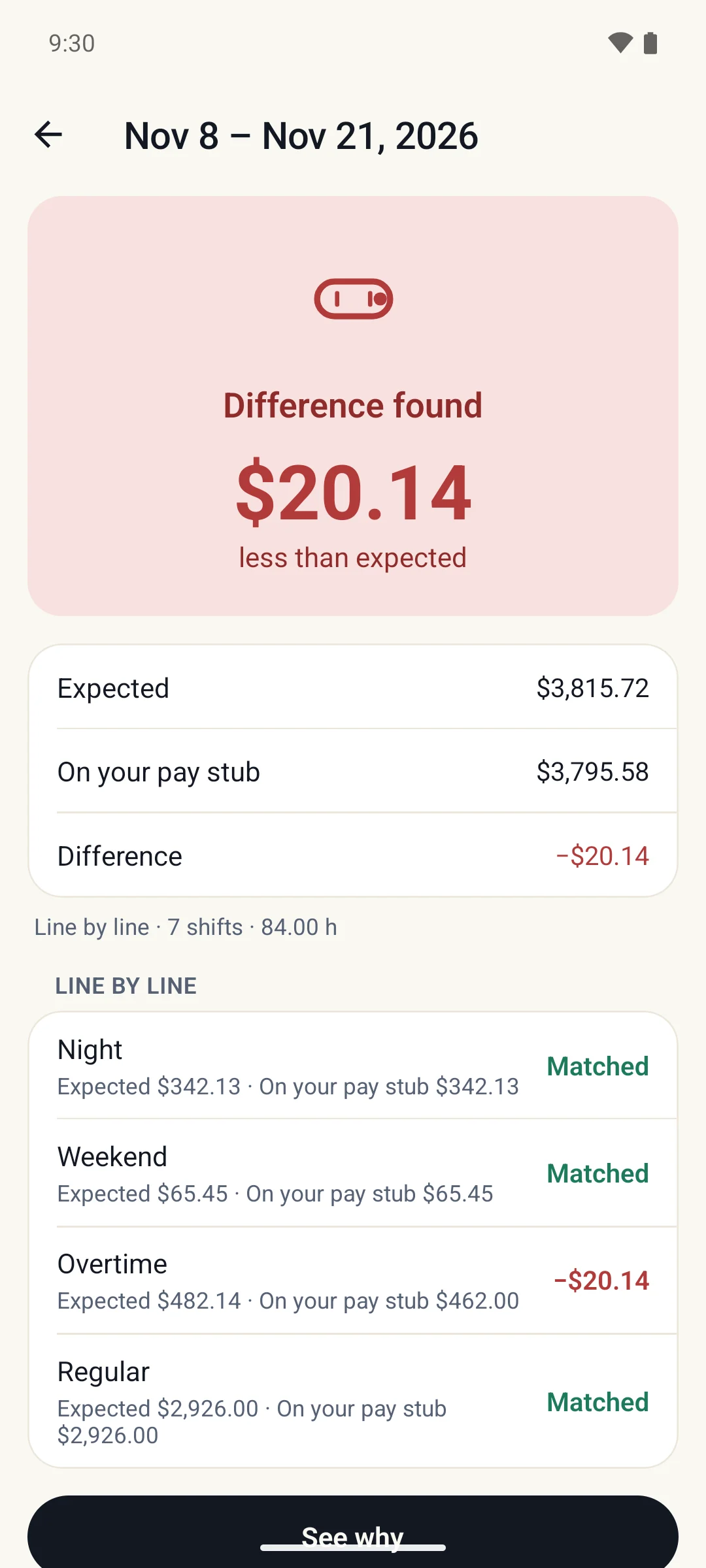
Truepenny works out what your shifts should pay, then checks it against your pay stub, line by line.
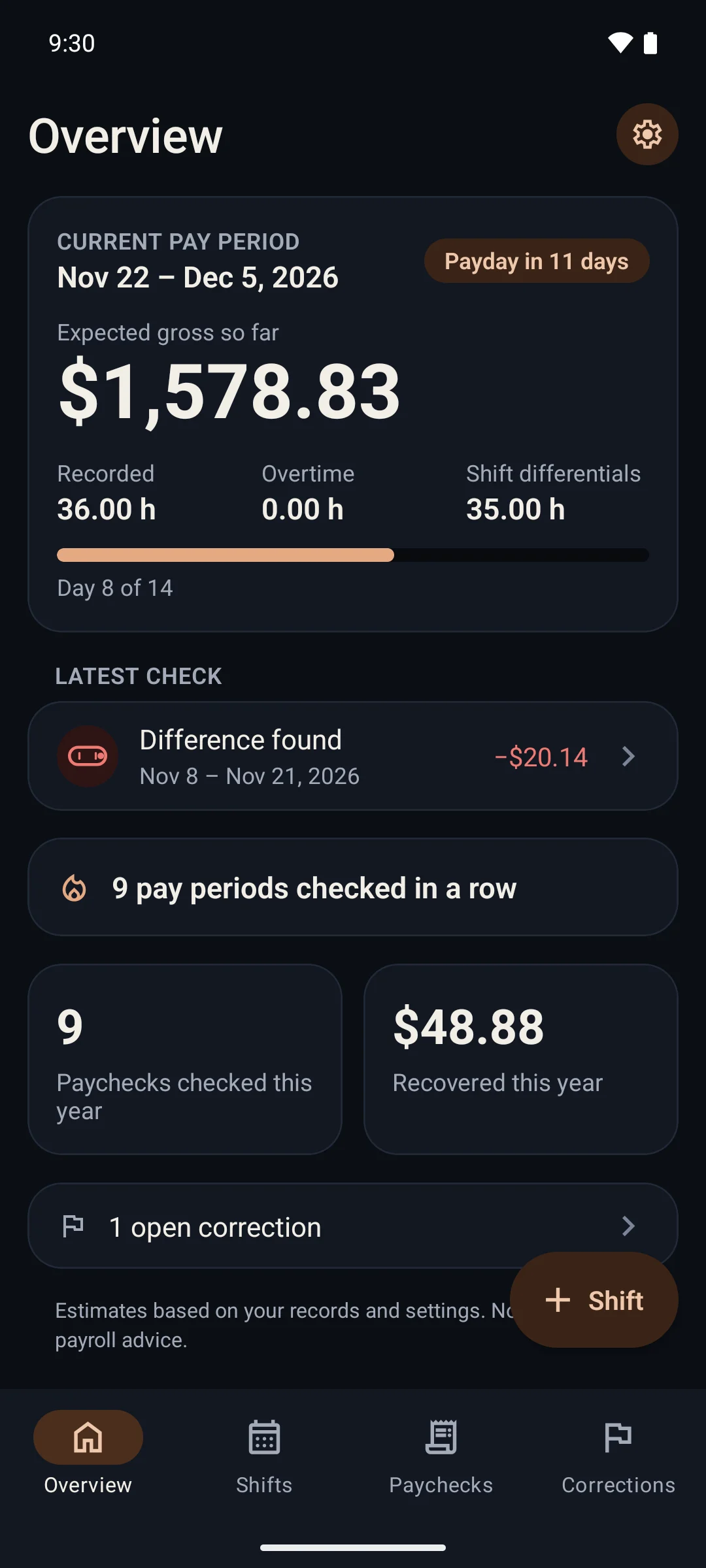
Set up your pay rules once. After that it’s your shifts, your pay stub and a clear answer.
Answer a few questions about your pay period, overtime, and extra pay for nights, weekends or holidays.
Add the times and breaks, or confirm the ones from your rotation. Your expected pay builds as you go.
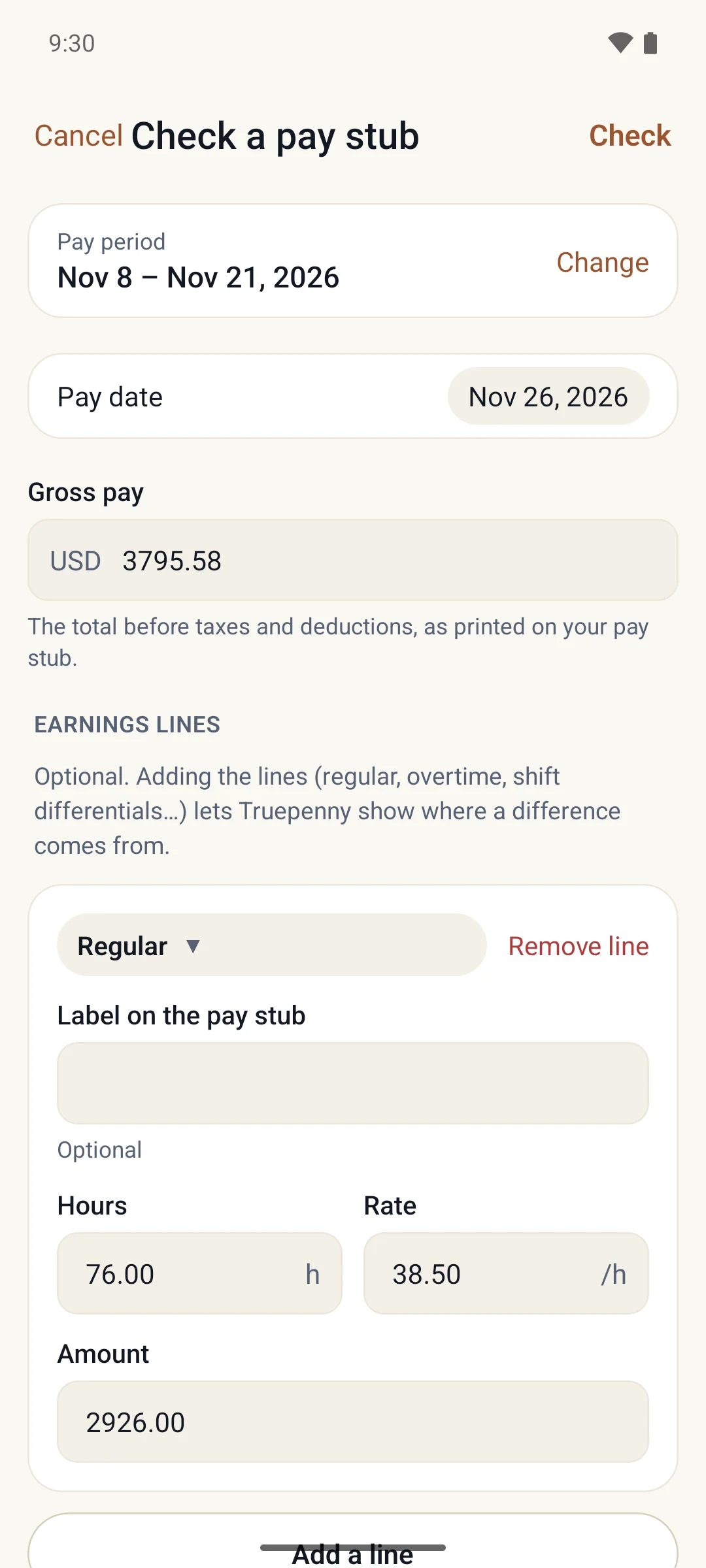
On payday, type in the gross pay. Add its lines if you want to see exactly where a difference comes from.
See what matches, what doesn’t and why, line by line. With Pro, start a correction or save a report.
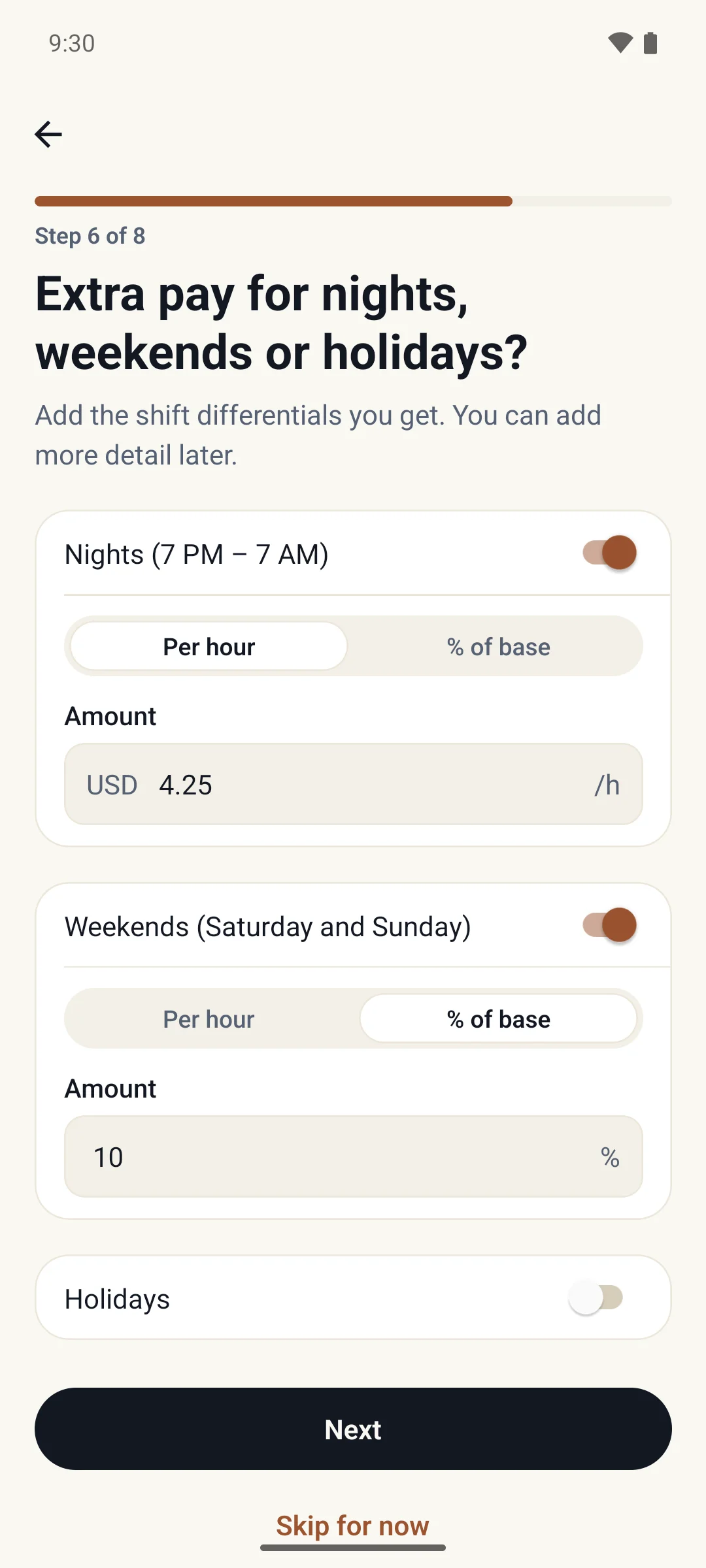
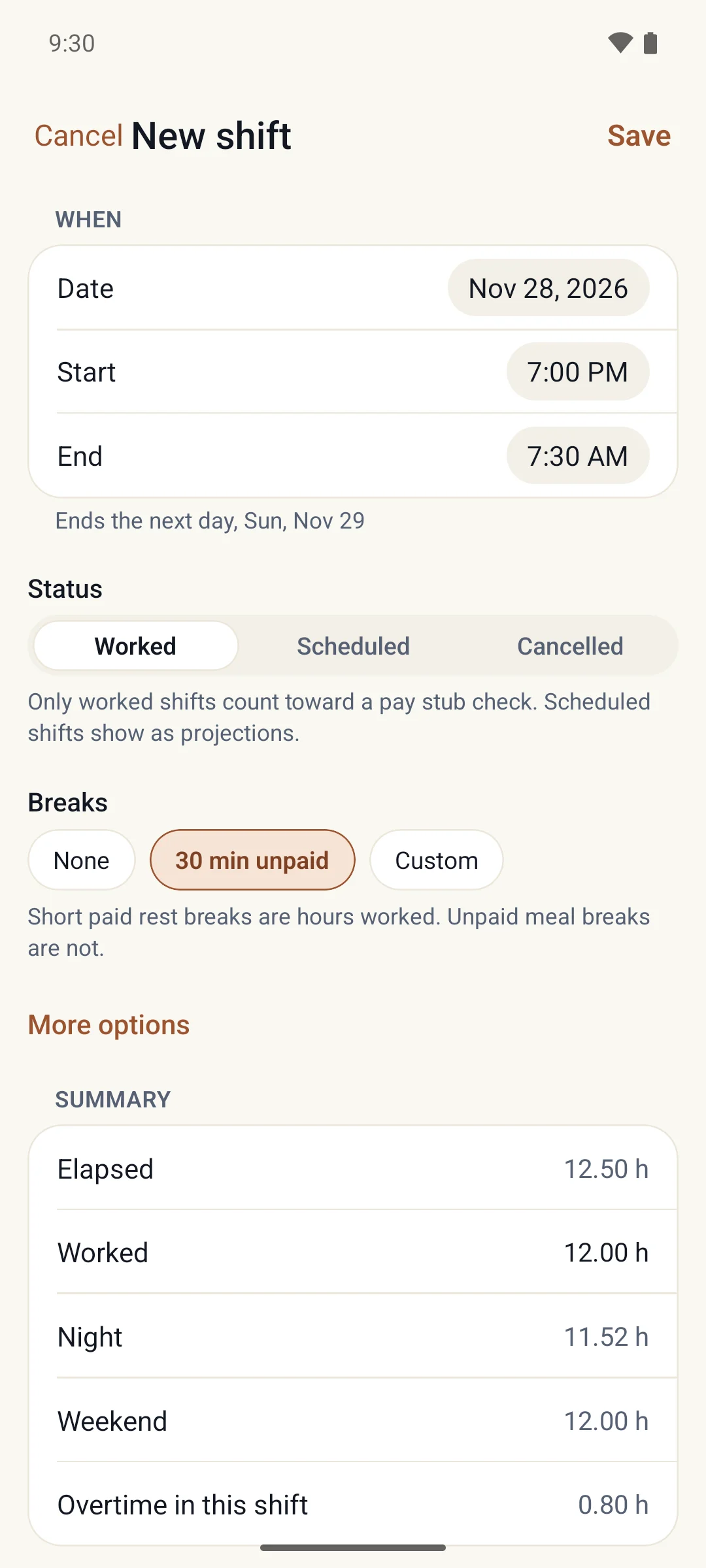
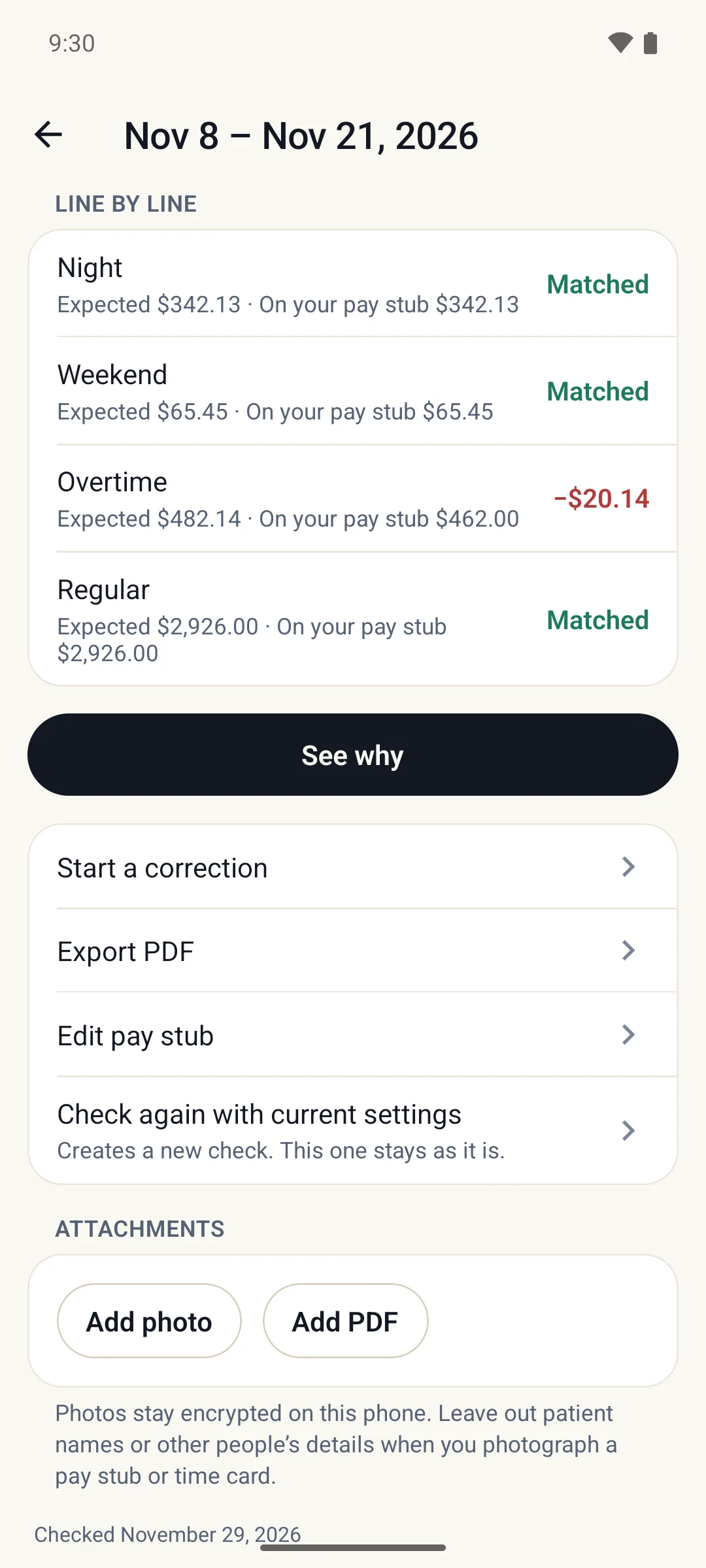
Nights, overtime and missed breaks make a paycheck hard to follow. Truepenny shows its working for all of it.
When a line doesn’t match, Truepenny looks for what fits your pay stub and says why.
Weekly, daily, seventh-day and 8/80, with your differentials counted in. Tested against the US Department of Labor’s healthcare overtime examples.
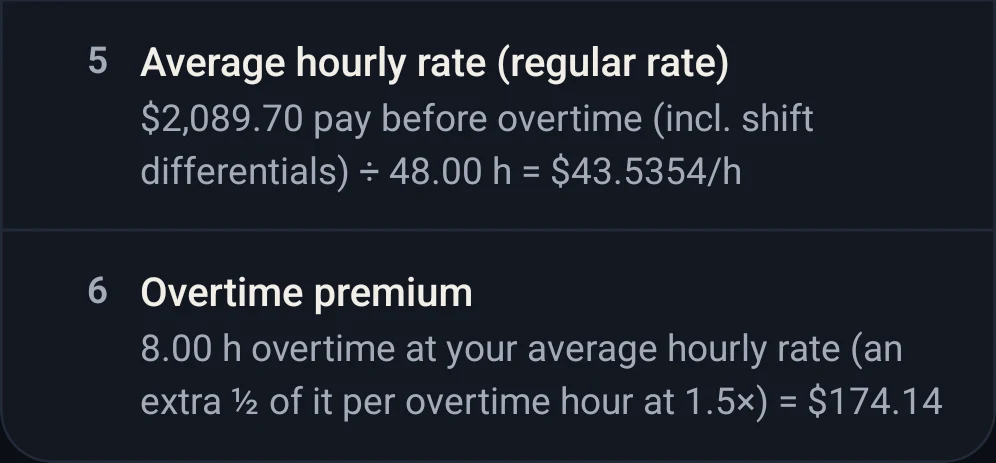
Extra pay by the hour or as a percentage, at the times it applies.
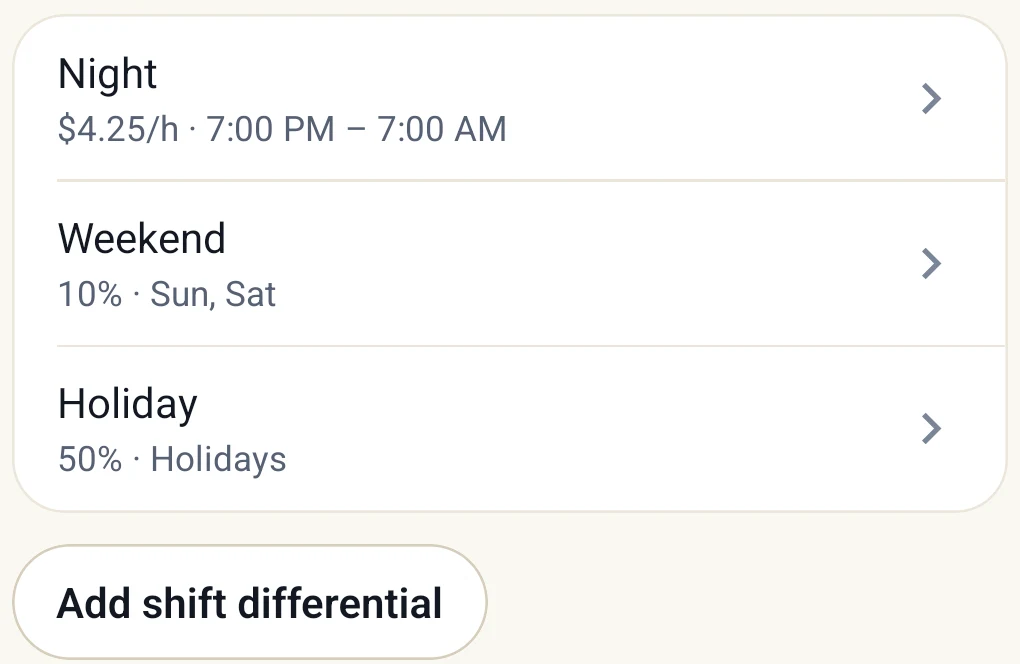
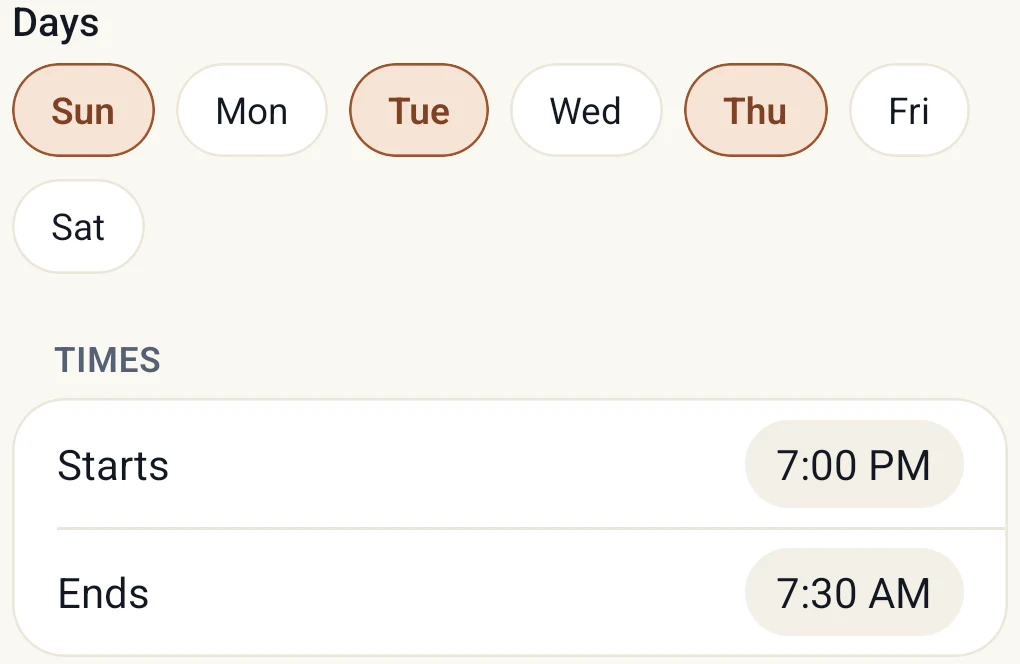
Pick your days once. Shifts appear four weeks ahead, ready to confirm.
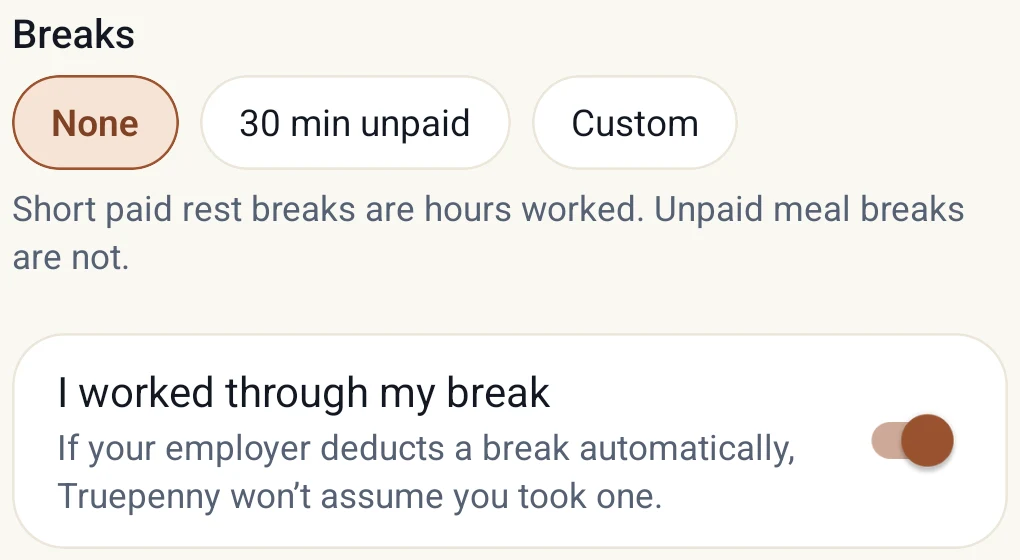
Say you worked through it, and no meal break comes off your hours.
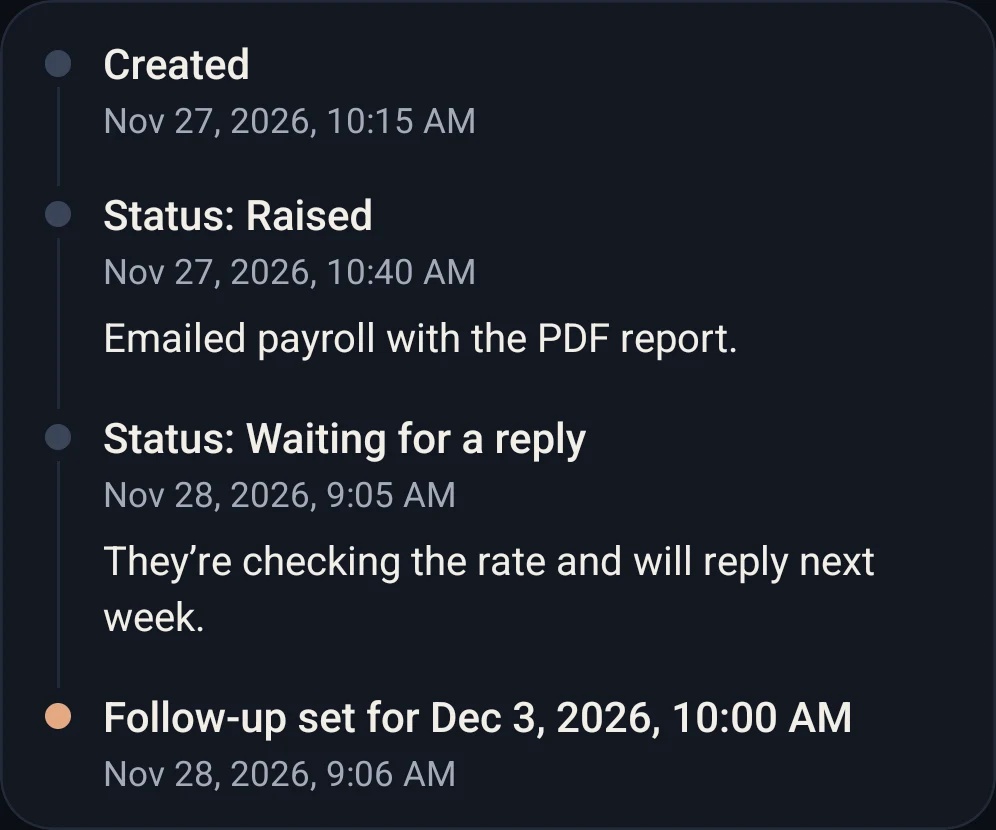
What you raised, when, and what payroll said, with a reminder to follow up.
A dated PDF of the check, with the lines compared and every step of the calculation.
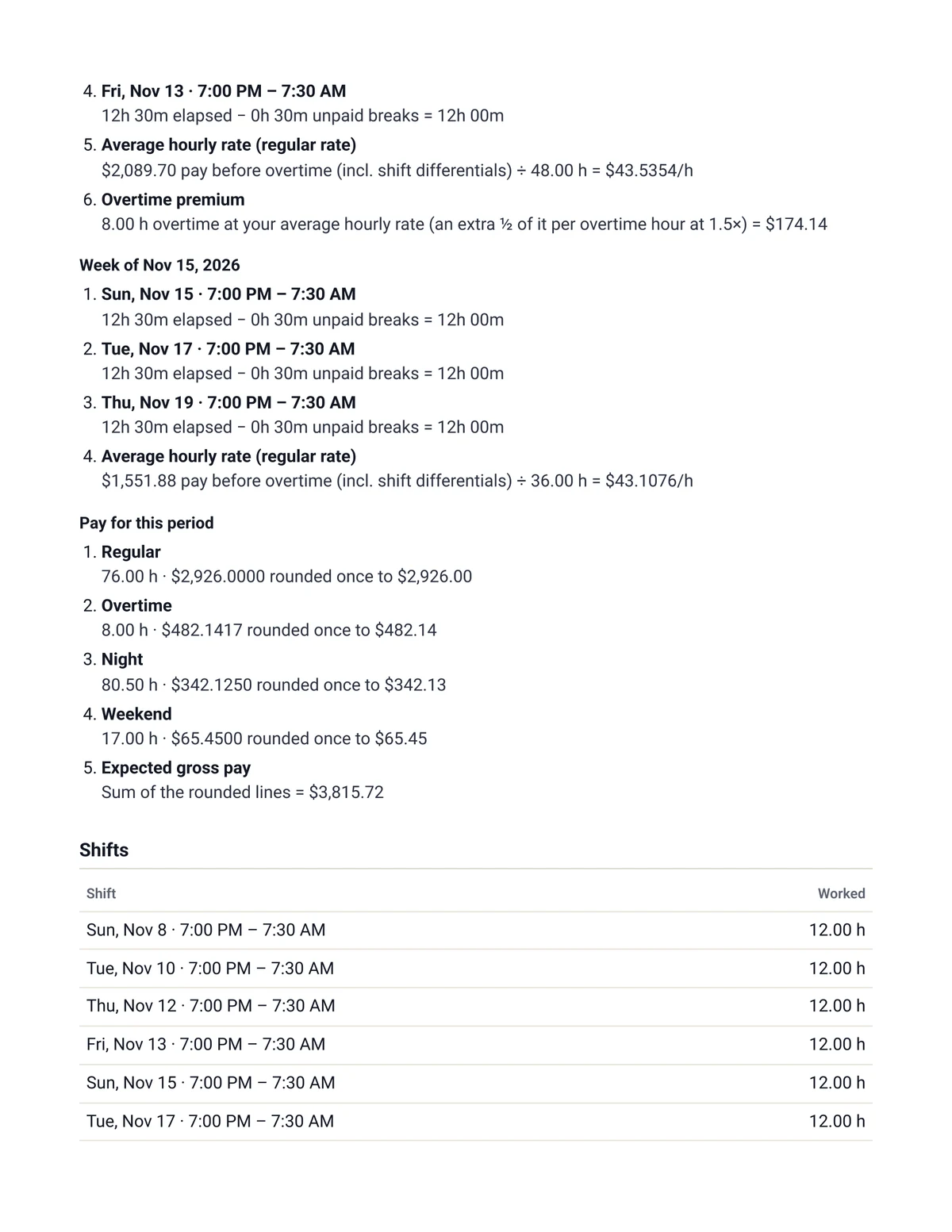
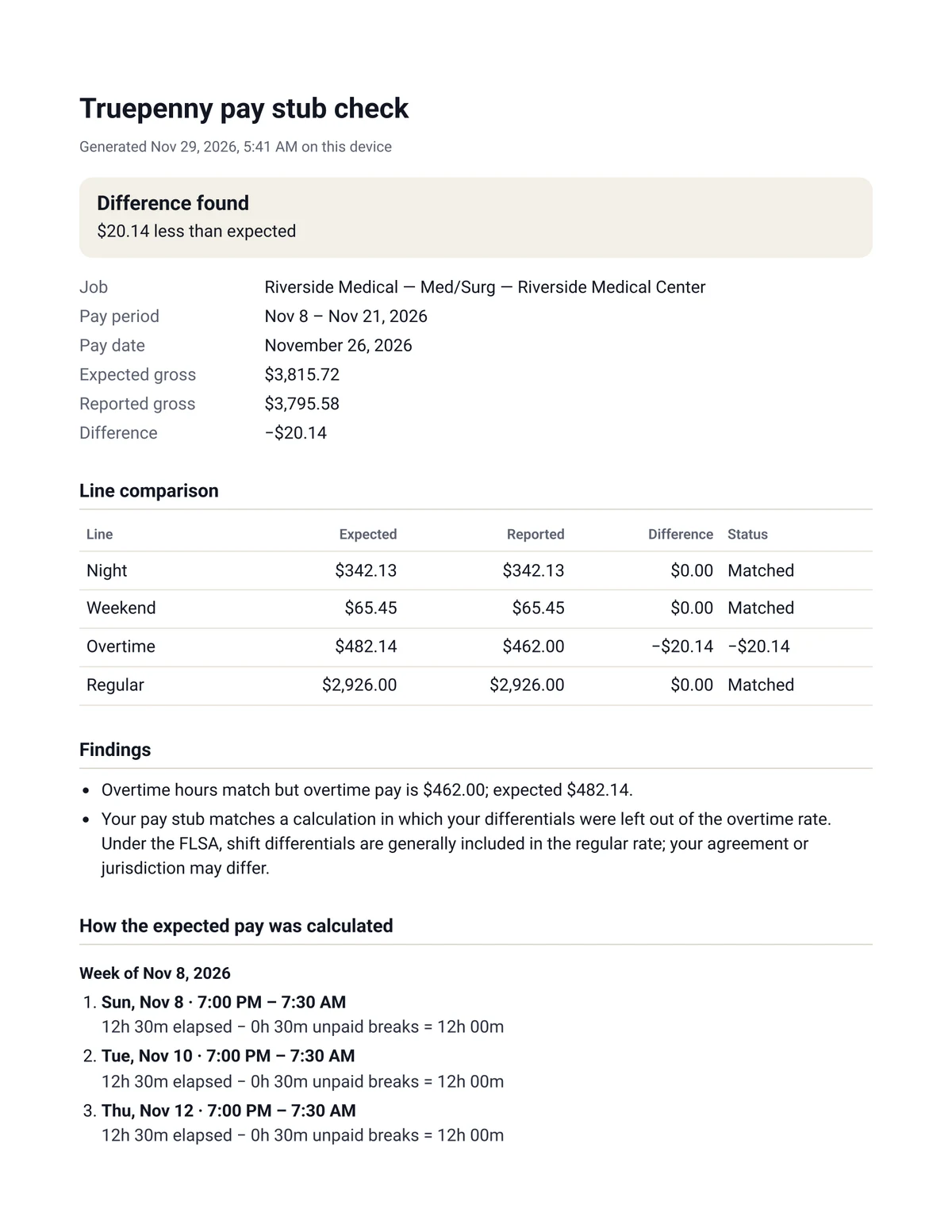
Light or dark, Truepenny follows your phone.
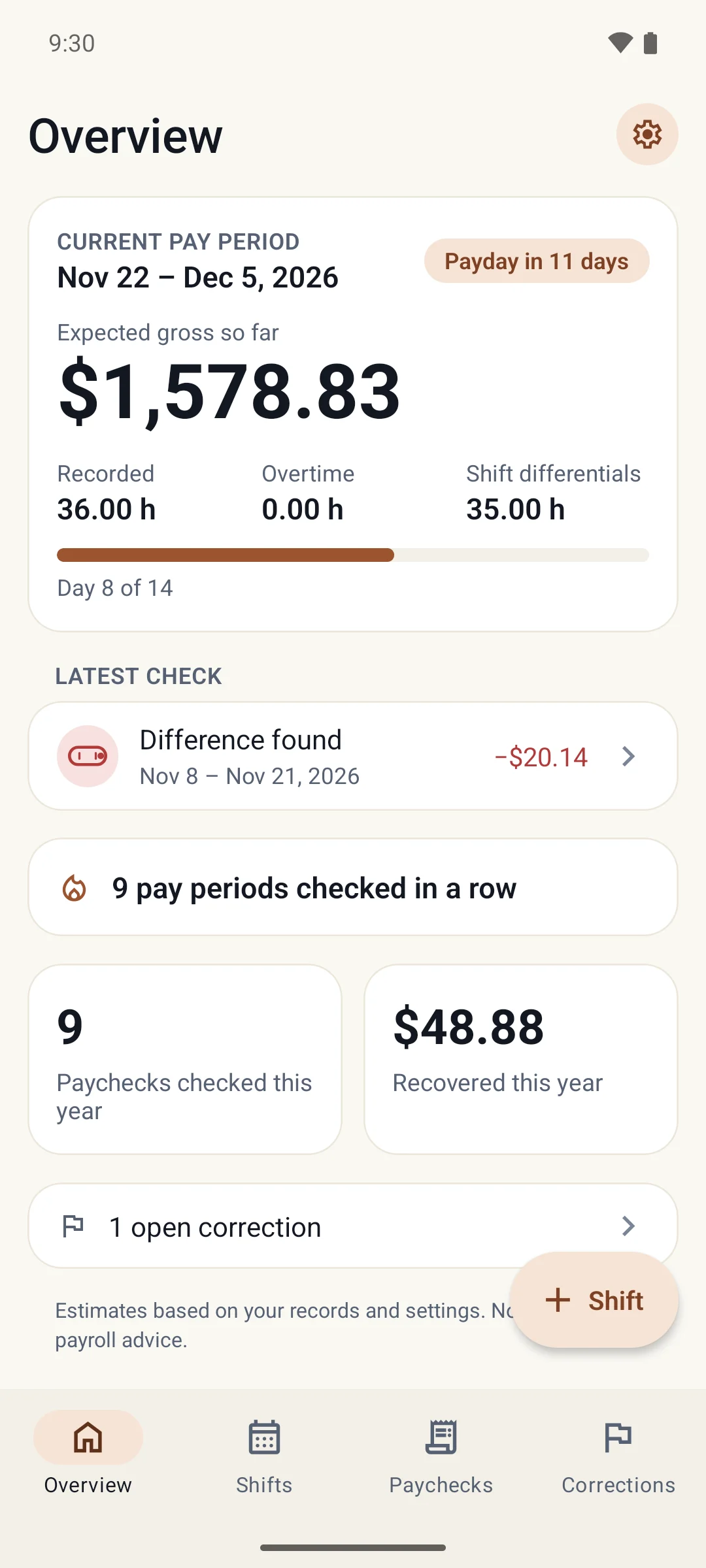
Your pay so far Expected gross, hours and the days to payday.
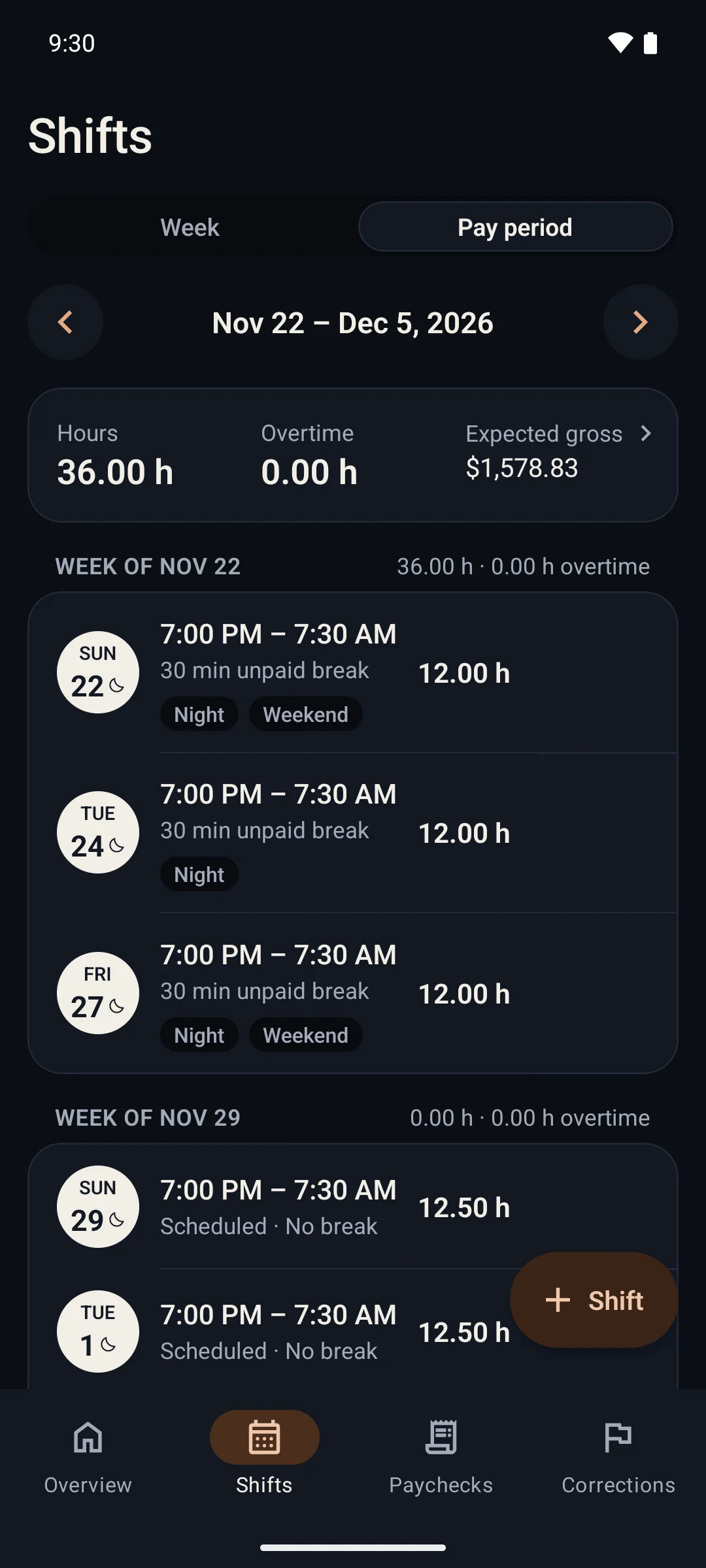
Your shifts By week or pay period, with what’s coming up.
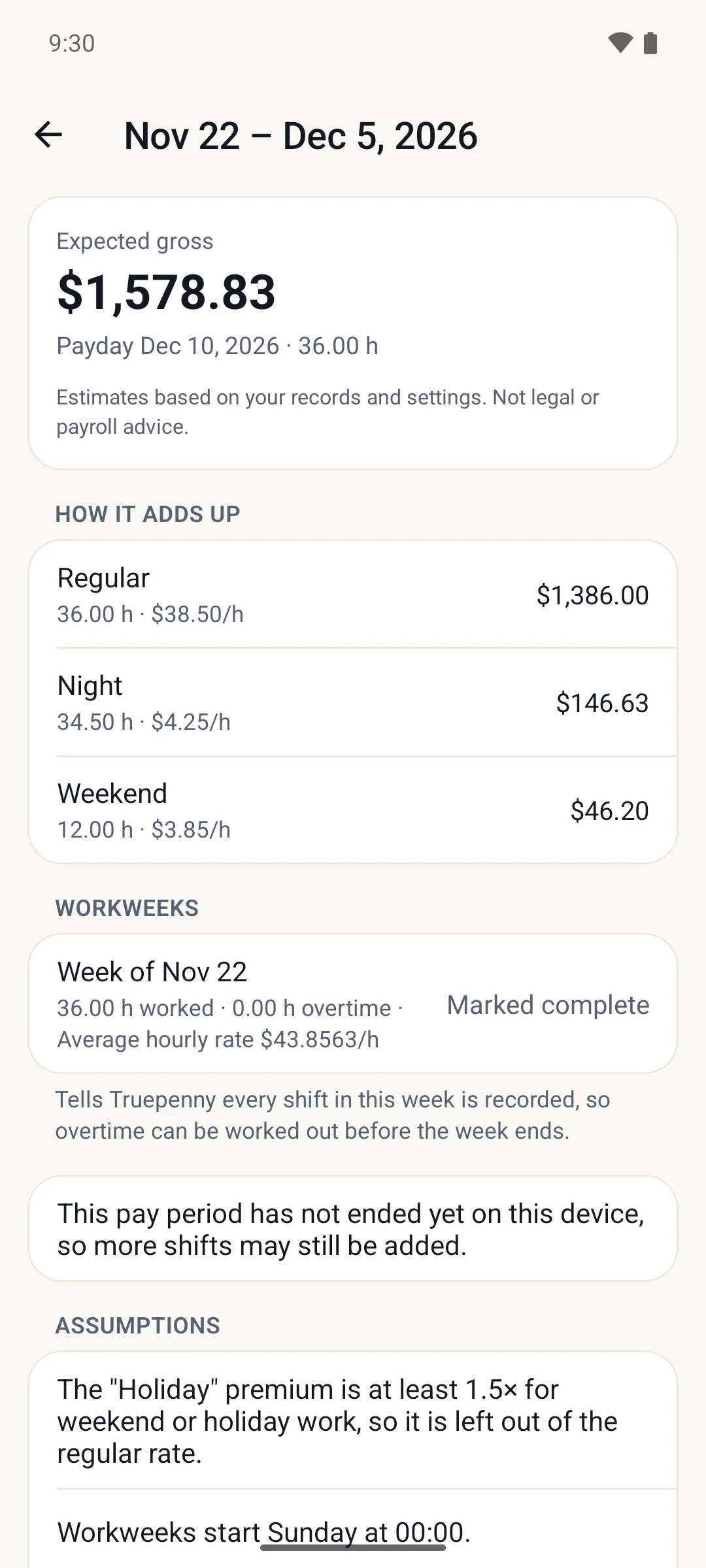
How it adds up Each kind of pay, with its hours and rate.
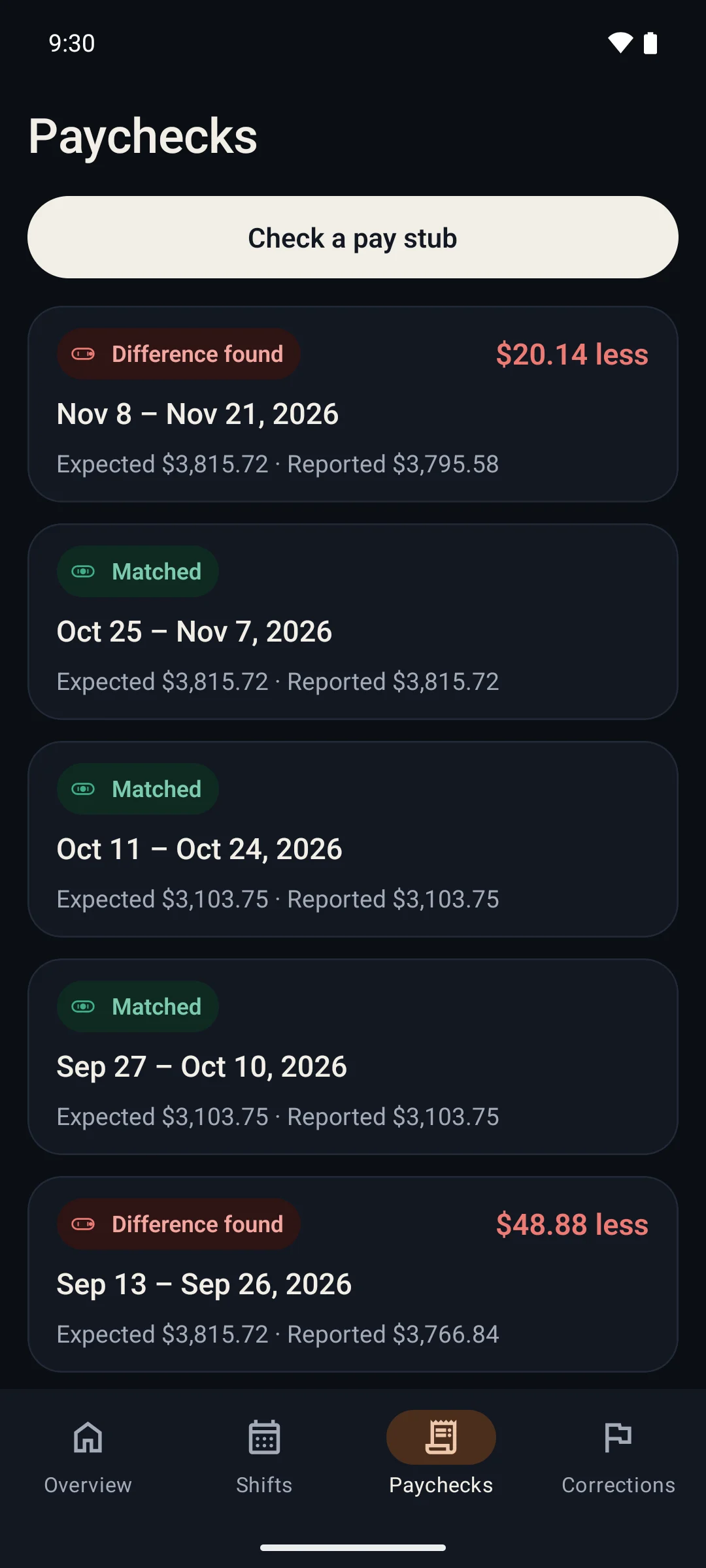
Every check, kept Each pay stub and how it came out.
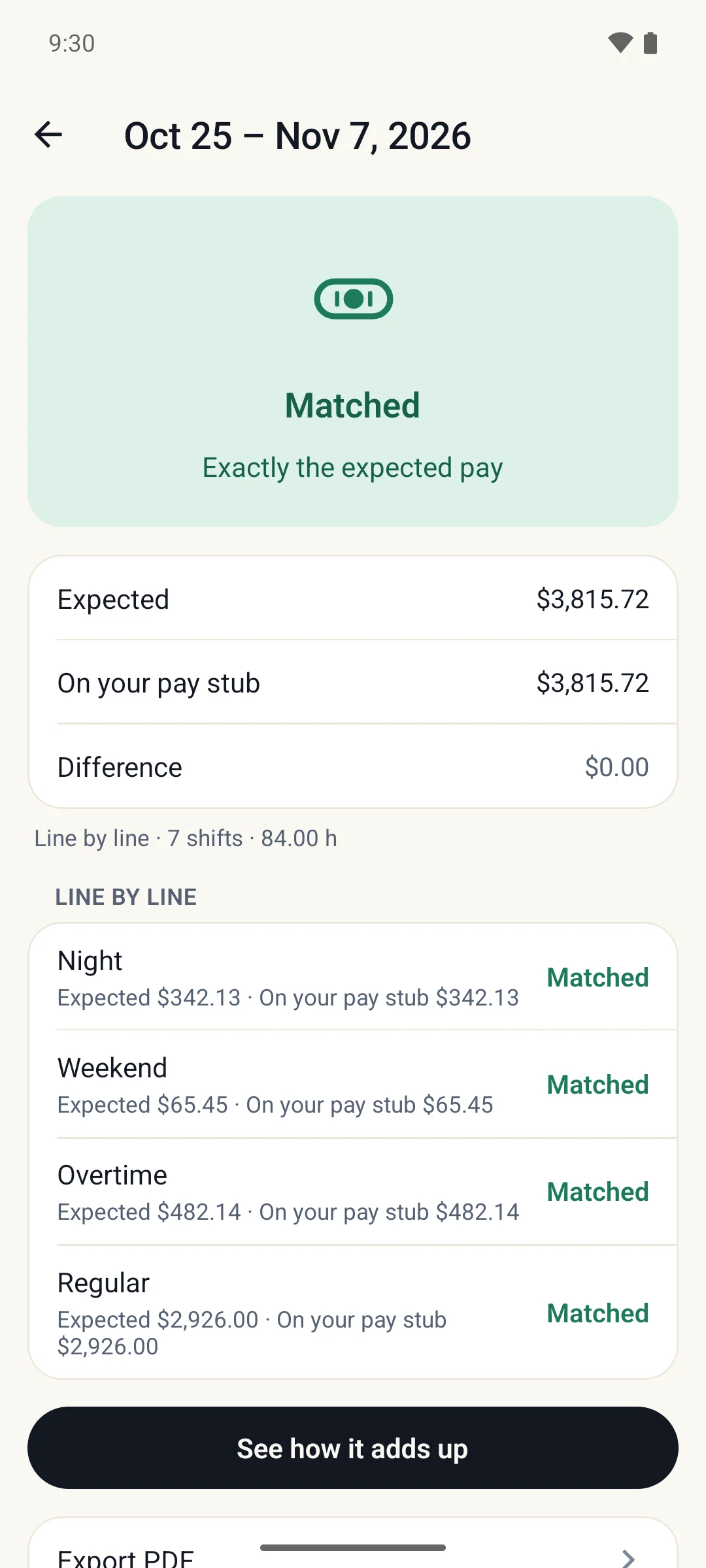
When it matches A clear result, down to the last line.
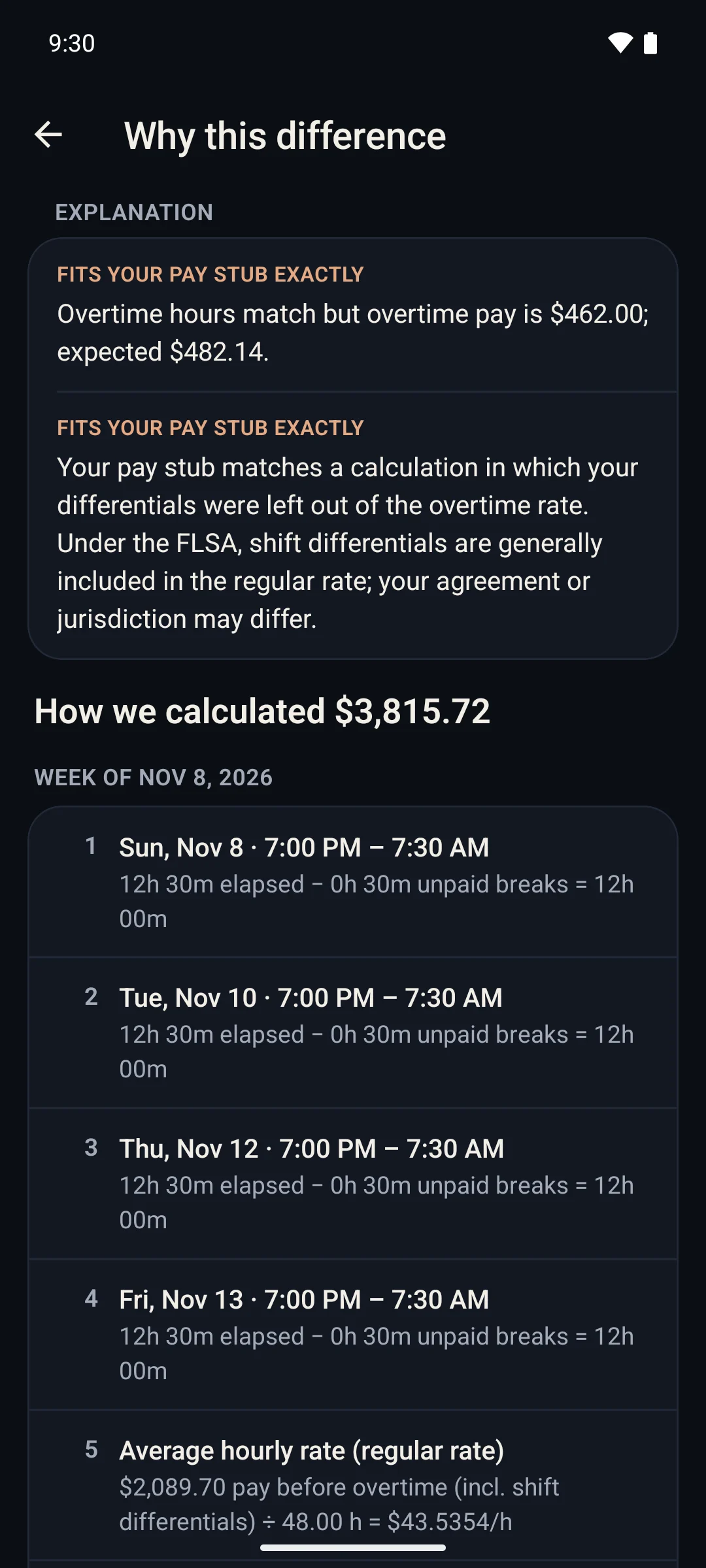
The working Every step from your shifts to the total.
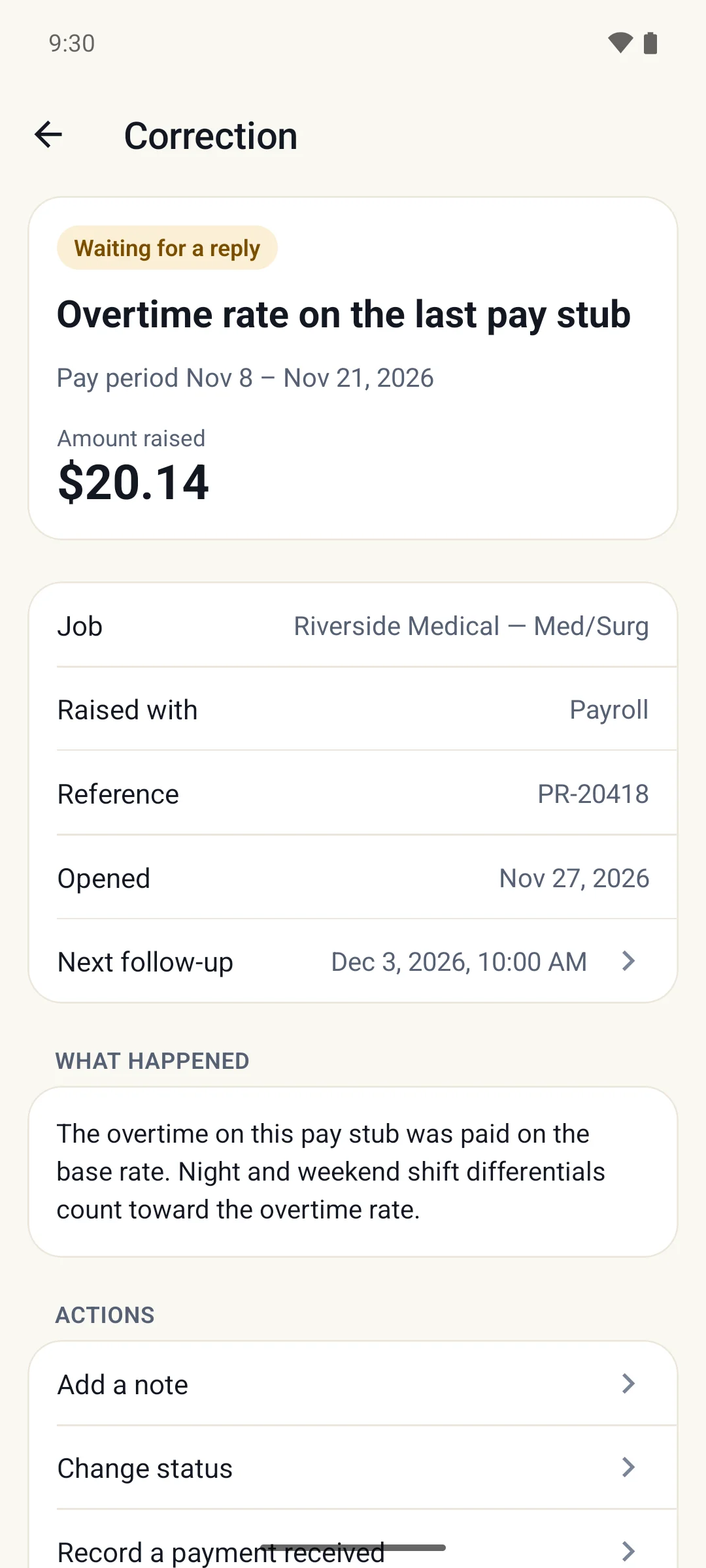
Your corrections What you raised, with whom, and what’s next.
Everything you record stays free, and every pay stub gets a check. Pro explains the differences and helps you get them fixed.
Everything you need to check your pay.
$0 No account needed
See why it’s different, and follow it through.
Launch offer
Everything in Free, and:
Subscribe in the app, from Settings › Truepenny Pro. US prices; elsewhere your store shows the price in your currency before you buy. Pro renews at the price shown until you cancel, which you can do at any time in your store’s subscriptions. We remind you a week before a yearly plan renews.
Another question? Write to contact@oftimo.com.
Truepenny is coming to Google Play. Email us and we’ll tell you the day it’s out.